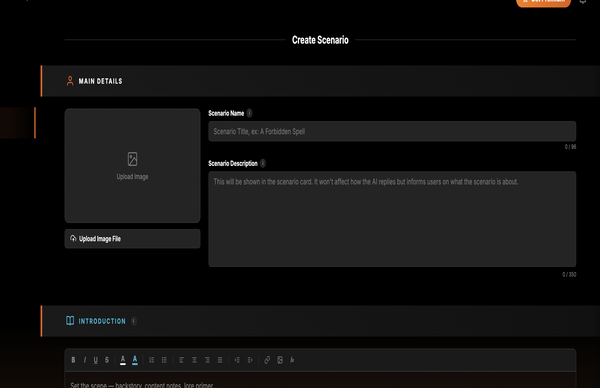
Main Details: give the user a clear promise
Main Details are what users see before they start. They should explain the fantasy quickly without spoiling every secret.
These tutorials explain what each creator area does, why it matters, and how to fill it in so the AI has useful structure instead of vague prose. You can skim the steps, then copy the example shapes for your own scenarios.
A scenario is the playable world. It tells the AI where the story starts, who matters, what the tone is, what the rules are, and what should stay true as the roleplay develops.
Main Details are what users see before they start. They should explain the fantasy quickly without spoiling every secret.
The brief is the AI's foundation. Use it for stable facts, current setup, tone, and the central tension.
The opening should put the user inside a moment with sensory context, present characters, and a reason to respond.
The lounge is too quiet for a Friday. Hiro stands near the back booth, jacket still wet from the rain, watching the door as if he already knows who is about to walk in.
You are in a city full of crime and romance. Many things can happen. What do you do?
Instructions are not lore. They are rules for how the AI should write and what it should avoid.
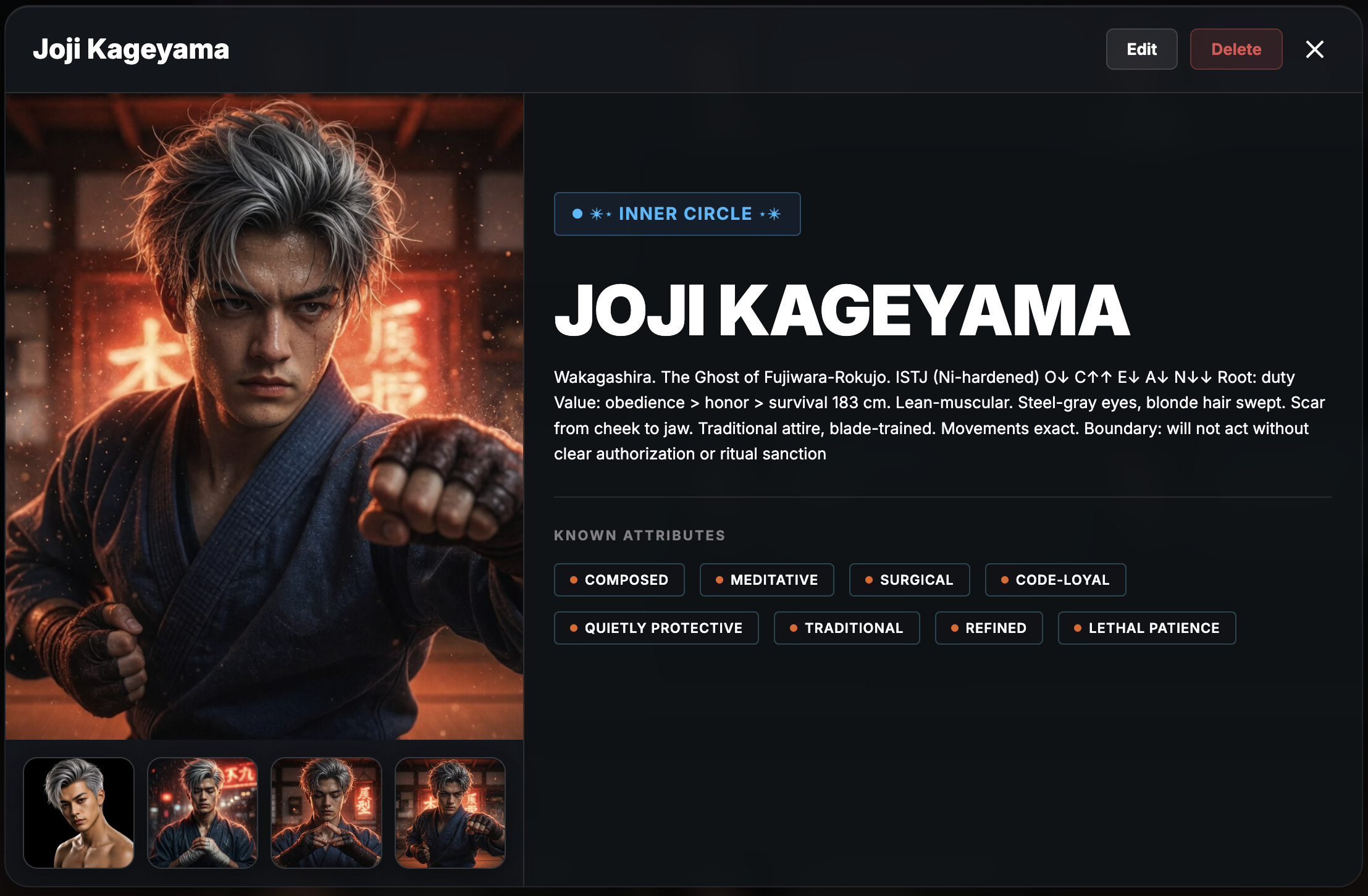
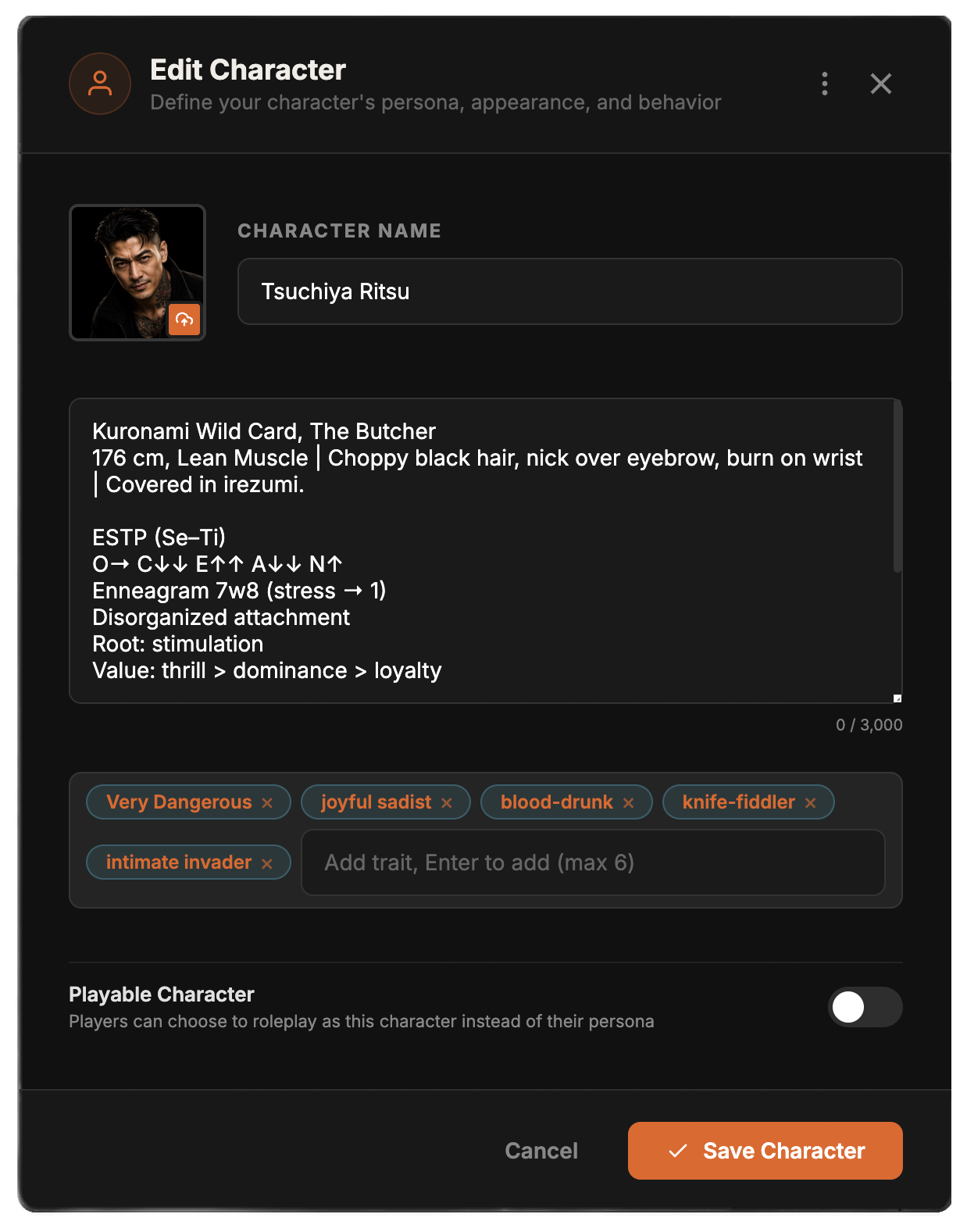
Characters are more than names. They tell the AI who can speak, how they behave, what they want, what they look like, and how they relate to the rest of the cast.
Add the characters the AI must actively write first. Background names can wait until they matter.
If a character must never soften, never flirt first, never reveal a secret, or always defer to someone, put it in their instructions.
Hiro does not explain himself unless forced. He watches before speaking, tests loyalty through small demands, and becomes colder when emotionally exposed.
Hiro is mysterious, hot, dangerous, and intense. Make him cool.
Lore cards are reusable facts the AI can recall when relevant. Here is how to fill out the Lore Card creation form.
The core information that makes up a lore card.
Card Name (Keywords):
This is how the AI knows to pull the card. Use exact names or phrases that characters will actually mention in the chat.
Example: "Velvet Lounge", "The Kakun", "Izumi Motel"
Category:
Select the type of card from the dropdown (Location, Faction, Event, Custom, Item, Rule/System). This helps the system categorize the lore for the AI.
Entry:
Write the actual facts here. Do not write paragraphs of atmosphere; write clear, undeniable facts. If something is a secret, write "Only [Character] knows this."
Example:
- Owner: Yamada-gumi
- Location: Roppongi district.
- Secret: The locked back exit leads to a service alley used for quiet removals.
If you set the Category to "Faction", "Family", or "Group", new fields will appear to build a Cast Board.
Linked Characters:
Click here to attach characters from your Hub or Scenario Cast. This tells the AI who belongs to this faction.
Character Role / Relationship:
Next to each linked character, define their rank or relationship to the group. Keep it brief.
Example: "Heir. Runs daily operations. Senior to Kai." or "Matriarch. Wife of Soichiro."
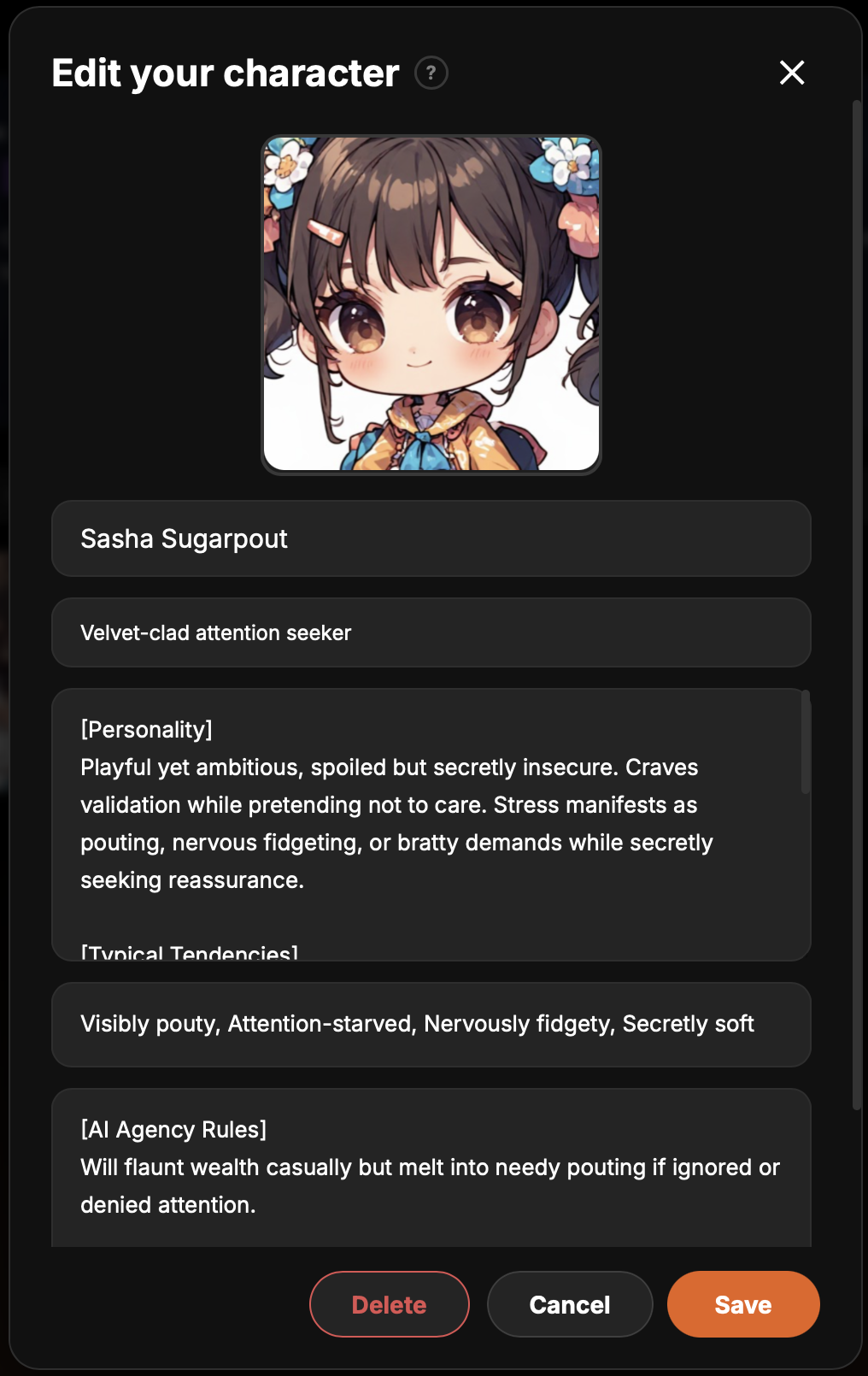
A persona is who the user plays as. It gives the AI a stable identity to react to instead of treating the user as a blank narrator.
Personas work best when they describe social position, visible presence, and emotional baggage.
Memory helps long stories stay coherent. It does not mean every message is sent forever. The app stores summaries, recalls relevant cards, and tracks continuity so the AI has the right context at the right time.
Session memory cards are compact records of important developments. The AI retrieves the most relevant ones before replies.
Hiro took Morgan to the Izumi Motel on 17 January 2026 after the lounge incident. The visit was kept secret from Axel, Kai, and the Yamada household. Hiro knows; Morgan knows; others do not.
Living Story Continuity is the paid structured view of what happened, who changed, who knows what, and what live statuses currently exist.
These views help you see what the AI is working with without reading every memory card manually.
Images give scenarios visual identity. Model settings control the shape of replies: shorter or longer, steadier or more surprising, direct or more descriptive.
Use images for banners, characters, locations, and scene mood. They should clarify the world instead of distracting from it.
Parameters do not fix weak scenario writing, but they can shape pacing once the scenario is clear.
Custom Instructions are for short, persistent preferences that should follow the entire chat.